Inside Control Center on macOS Tahoe
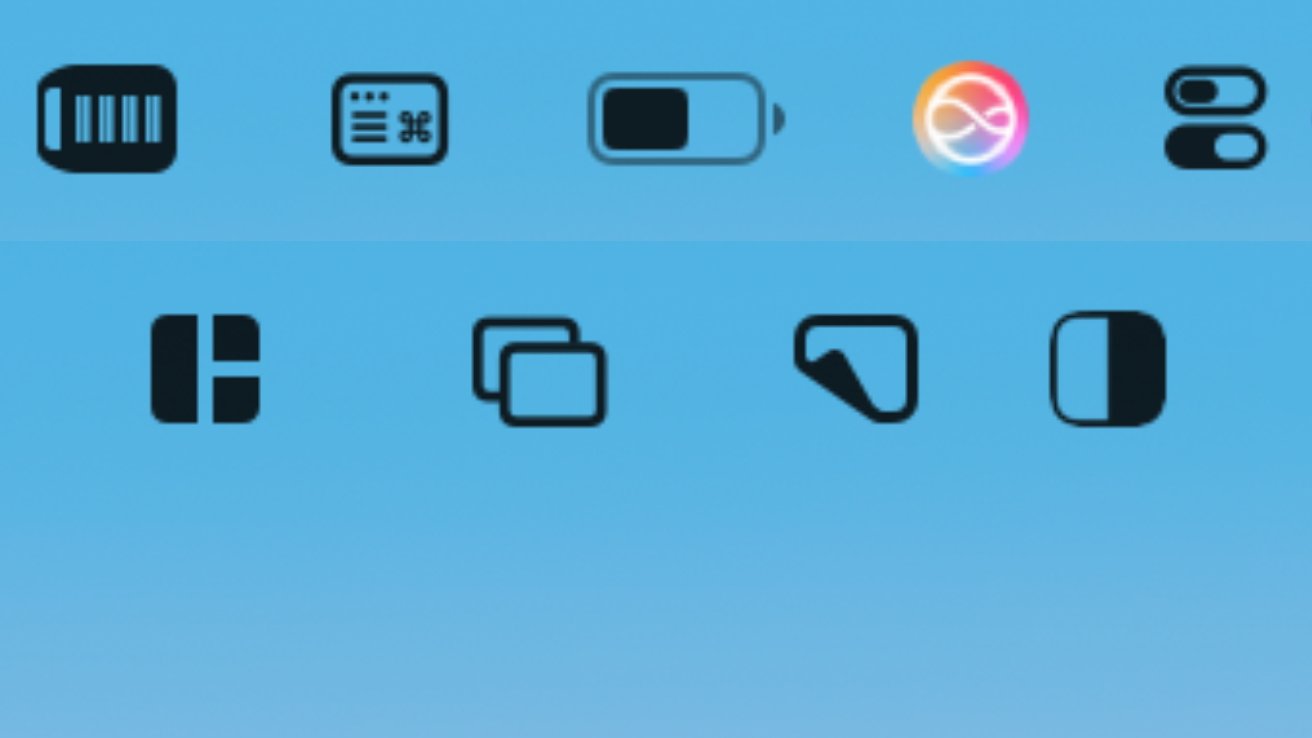
Apps you don't want can clog up your Mac menubar, while ones you do can't be added. Here's how and why to use Control Center to make that menubar work for you, the way you want.If only Apple would let you have two rows of menubar app icons you don't recognzeEspecially if you h...
🔗 Read more: https://appleinsider.com/inside/macos-tahoe/tips/inside-control-center-on-macos-tahoe?utm_source=rss
#News #Software #Energy #Policy #Tech
Edited
appleinsider.com
Inside Control Center on macOS Tahoe
Apps you don't want can clog up your Mac menubar, while ones you do can't be added. Here's how and why to use Control Center to make that menubar work for you, the way you want.If only Apple would let you have two rows of menubar app icons you don't recognzeEspecially if you have a MacBook Pro or...
Comments
Log in to leave a comment.
No comments yet. Be the first to comment!